NeoStack AI
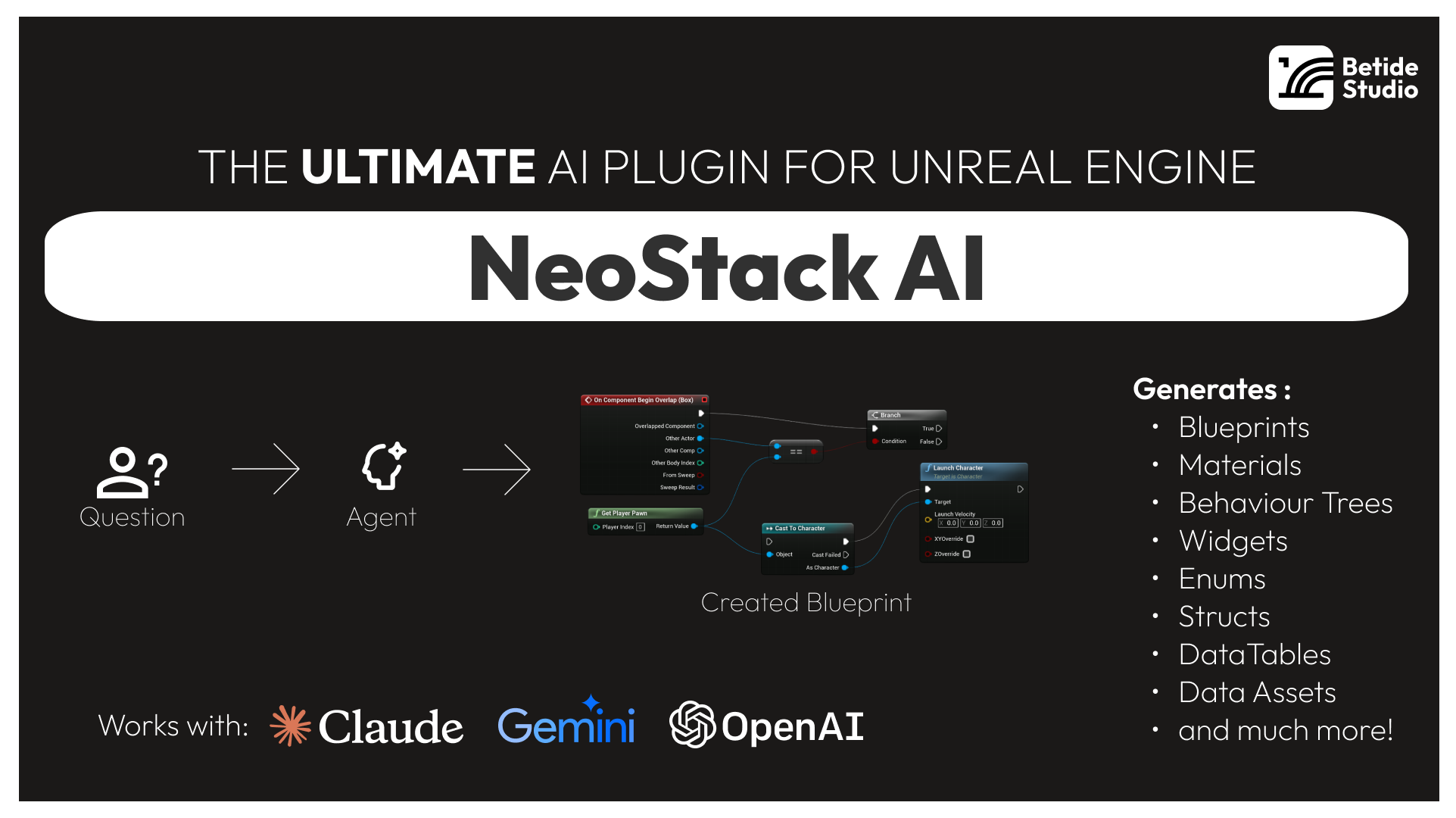
NeoStack AI brings AI agents directly into Unreal Engine Editor. Connect NeoStack Cloud, Claude Code, Codex, or OpenRouter to let AI create and modify Blueprints, Materials, Behavior Trees, and more through natural language.
Key Features
- Simple First Run - Open Tools > Agent Chat and follow the Setup Checklist
- Multi-Agent Support - Connect to NeoStack Cloud, Claude Code, Codex, Gemini CLI, or OpenRouter
- Native Editor UI - Slate-based chat window with streaming responses
- Asset Generation - Create Blueprints, Materials, Behavior Trees, Data Tables and more
- Context Attachments - Attach Blueprint nodes or assets to your prompts
- Project Indexing - Automatic project indexing for context-aware suggestions
Quick Example
Open the chat window from Tools > Agent Chat, complete the Setup Checklist, and start prompting:
Create a Blueprint called BP_HealthPickup that:
- Has a StaticMesh component for visuals
- Has a SphereCollision for overlap detection
- Has a float variable called HealAmount defaulting to 25
The AI will create the Blueprint with all components and variables configured.
Supported Engine Versions
- Unreal Engine 5.4
- Unreal Engine 5.5
- Unreal Engine 5.6
- Unreal Engine 5.7